CASE STUDY / CUSTOM SOFTWARE & AUTOMATION

Lead Gen

Find new businesses before opening day.

Launchpad TX built a mobile-first lead engine for a merchant-services sales organization. It turns newly permitted businesses into assigned, actionable leads—bringing discovery, contact research, and follow-up into one place.

Built by Launchpad TX · Live in production · 2026

FROM PUBLIC RECORD TO FIELD ACTION

Discover. Enrich. Assign. Act.

Official public records → relevant local businesses → contact research → a lead on the right rep’s phone.

Web app · Installable on iPhone and Android

Built for the field

Independent reps selling point-of-sale and payment services.

One connected workflow

Discovery, enrichment, ownership, and follow-up in one app.

Designed for real use

Mobile access for reps. Operational control for administrators.

THE CHALLENGE

The best opportunity arrives before the opening sign.

For field sales teams, timing matters. Reaching a business before it opens can mean starting the conversation before another provider has already signed it.

01

Stale lists

Purchased lists could be months old before a rep made the first call.

02

Too much noise

Chains, franchises, and unsuitable prospects made useful businesses harder to find.

03

Scattered follow-ups

Spreadsheets left ownership unclear. Reps overlapped, follow-ups slipped, and managers lacked visibility.

The brief: find new local businesses automatically, add reliable contact details, and put each opportunity into a rep’s hands on their phone.

THE SOLUTION

A lead engine built around the rep’s next action.

We connected public-record discovery with contact enrichment and a shared sales workflow. Administrators control the searches, assignment, and budget. Reps get a focused view of the leads they need to work.

01

Discover

Find newly permitted businesses by city, sales category, and permit recency.

02

Enrich

Add phone numbers and websites when a match is confident. Identify other locations operated by an existing owner.

03

Assign & act

Put leads with the right rep, then track contact, meetings, and outcomes.

WHAT WE BUILT

Useful leads. Clear ownership. Practical controls.

01

New-business discovery

Official records feed plain-language categories such as Restaurant, Salon / Barber, Auto Repair, and Retail. Chain filtering reduces noise, and deduplication prevents repeat delivery across searches.

02

Contact enrichment

Confident matches add phone numbers and websites. Businesses without a listing become walk-in leads, giving reps a clear action when a phone call is not yet possible.

03

A mobile workspace

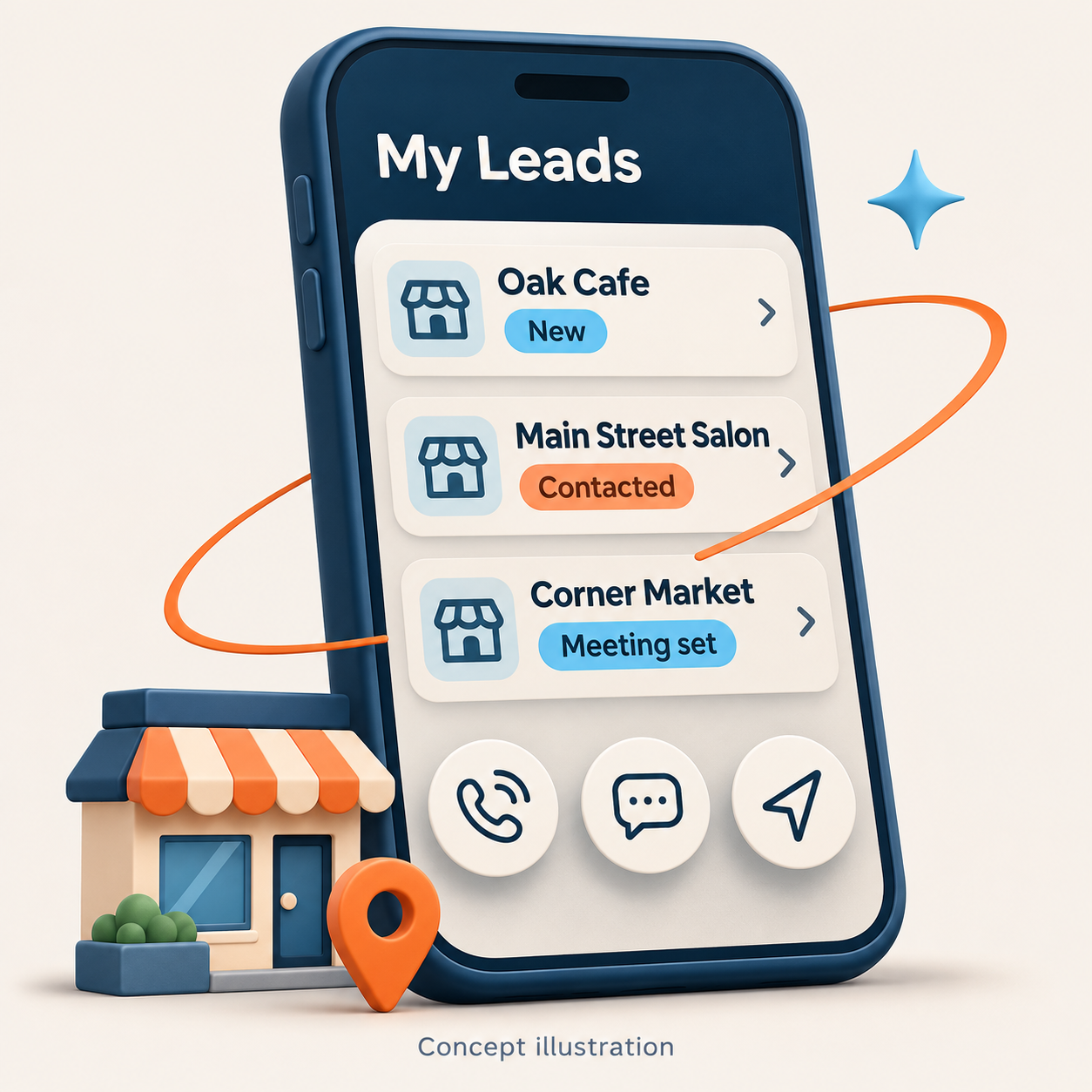
My Leads prioritizes today’s work. One-tap Call, Text, Directions, and Email actions keep reps moving. Notes and history follow each lead through New, Contacted, Meeting set, and Won or Lost.

04

A fair shared pool

Forgiving business-name and street search helps reps find records in the field. Reps can claim unassigned leads, with limits that discourage cherry-picking.

05

An admin control center

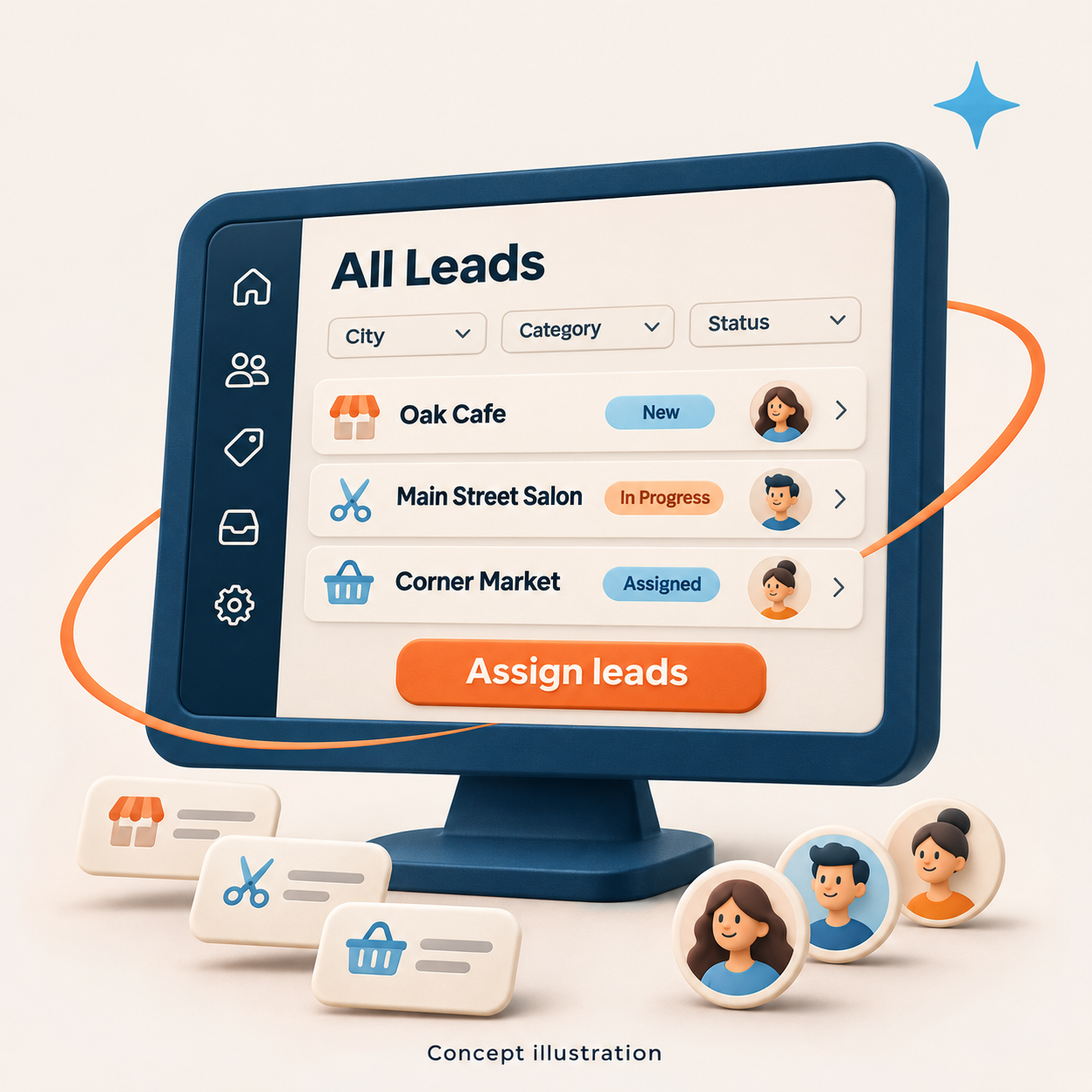
Search history, lead volume, filters, bulk assignment, and spreadsheet export give managers visibility. Invites and access controls support the team, while departing reps’ open leads return to the pool.

06

Search spending under control

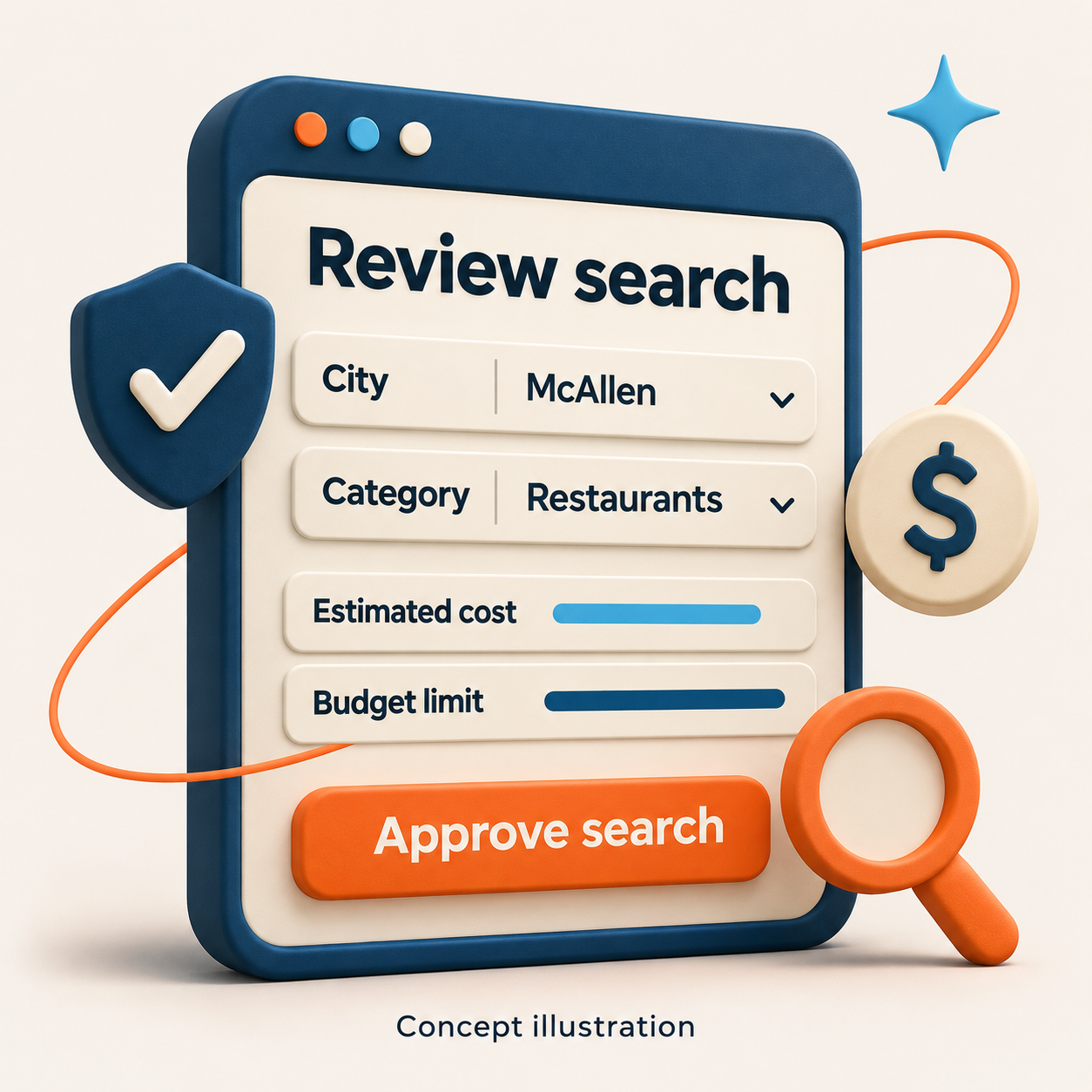
Searches show an estimated cost and require approval. Per-search limits, monthly budgets, daily caps, and infrastructure alerts add control. Provider failures stop cleanly while preserving progress.

A CLOSER LOOK

One system. Two working environments.

Reps need fast actions on a phone. Administrators need room to review, filter, and assign. The app brings both into the same lead workflow.

Rep workspace · Mobile

Replace this image with an approved mobile screenshot of My Leads and the lead actions.

Admin control center · Desktop

Replace this image with an approved desktop screenshot showing filters and assignment.

Search approval · Budget controls

Replace this image with an approved screenshot of the estimate and approval step.

ACCESS & PRIVACY

Permissions built into the workflow.

Invite-only access

Passwordless sign-in uses one-time email codes. There is no public signup. Administrators can deactivate access when a rep leaves.

Database-enforced permissions

Reps see their assigned leads and permitted shared-pool information. Access to other reps’ private lead records and history is restricted at the database level.

Useful handoffs

Lead handoffs retain useful notes while hiding other reps’ identities.

Controlled search access

Selected reps can run searches within an individual budget without receiving full admin access. Leads from those searches go straight to that rep.

THE RESULTS

Less research. More time in the field.

Project-reported operational results. Search time and lookup cost vary with scope, record volume, and provider availability.

Hours → minutes

A city-wide search that previously required hours of manual research runs in about a minute.

Earlier conversations

New-business records help reps reach prospects weeks or months before opening day.

Lower lookup costs

A typical city search was reported to cost well under a dollar in data lookups.

A cleaner pipeline

Chain filtering, deduplication, and contact matching reduce irrelevant records before rep follow-up.

A clear owner and history

Lead status, assignment, notes, and activity give the team a shared record of the work.

HOW WE WORKED

Start with the day in the field. Build from there.

Product-first decisions

Each feature began with the rep’s real workflow, then moved through design, build, and test.

Rehearse the whole experience

Production dress rehearsals used test accounts to exercise invites, sign-in, lead workflows, permissions, deactivation, searches, and spending limits before real users were invited.

Make permissions fit the job

Rather than grant full admin access to reps who needed to search, we introduced a limited search permission with its own budget.

Technology

Next.js · React · TypeScript

Python API service

Postgres with row-level security

Invite-only, passwordless authentication

Managed cloud hosting, custom domain, HTTPS, and spending limits

WHAT’S NEXT / PLANNED

A foundation for the next stage.

CRM sync

Push worked leads into the client’s CRM with duplicate prevention.

Field enrichment

Let reps add owner names and direct numbers from visits.

Automatic re-checks

Revisit walk-in leads as listings appear online and notify reps when contact information becomes available.

BUILT BY LAUNCHPAD TX

Have a workflow your team has outgrown?

We build custom software around the work your team actually does. Bring us the bottleneck, the spreadsheet, or the idea. We’ll help define what comes next.

Lead Gen is a Launchpad TX, LLC product.